Physical Address
304 North Cardinal St.
Dorchester Center, MA 02124
Physical Address
304 North Cardinal St.
Dorchester Center, MA 02124

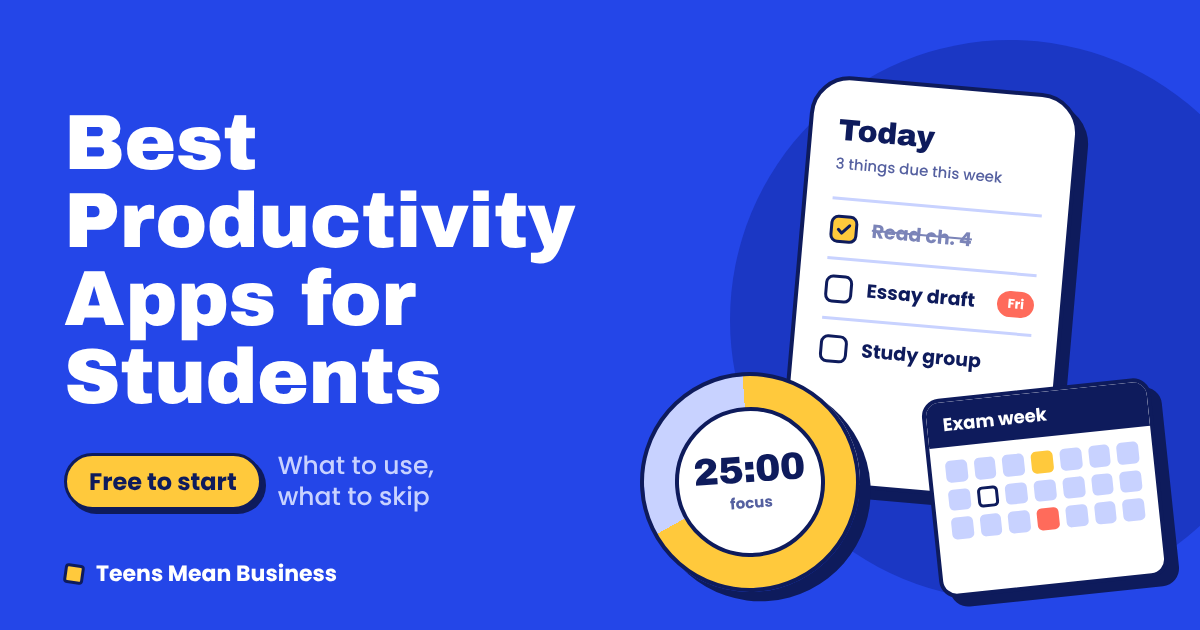
Type “productivity” into an app store and you’ll get thousands of results, each promising to fix your grades, your habits and possibly your personality. So why do so many students still miss deadlines, lose notes and finish the semester more behind than they started?
Usually it isn’t a shortage of apps. It’s too many of them, installed in a burst of good intentions and abandoned by week three.
I compared what the top guides recommend, checked what each app costs, and cut the list to what most students need. It’s fewer apps than you’d expect, and that’s deliberate.
Sorted by the problem you’re trying to solve:
| Your problem | Start with | Cost to start |
|---|---|---|
| Forgetting deadlines | Todoist, Microsoft To Do or TickTick | Free |
| Planning your week | Google Calendar | Free |
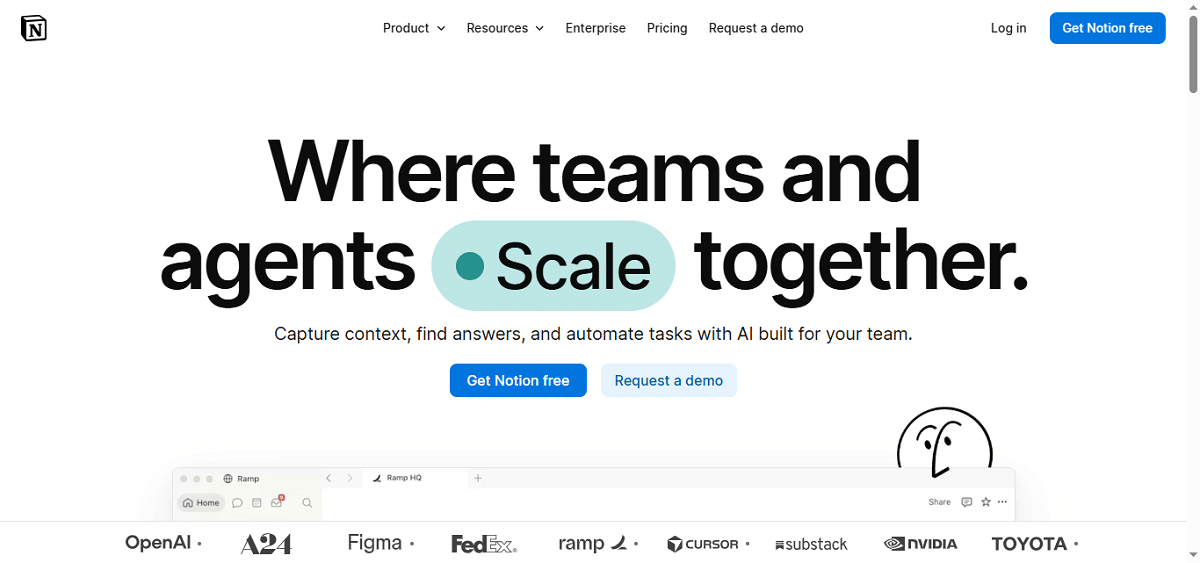
| Messy notes | Notion, OneNote or Goodnotes | Free (limits on some) |
| Memorizing for exams | Anki | Free on desktop and Android |
| Phone keeps winning | Forest (free on Android, paid on iOS) or Cold Turkey | Free to low cost |
| Papers and citations | Zotero | Free |
Prices and free-plan limits change often, so check each app’s page before you pay for anything.
Run any candidate through four quick questions:
Your brain is for thinking, not for remembering that the sociology reflection is due Thursday at 11:59 p.m.
Todoist is the quickest to start. It reads plain language, so typing “read chapter 4 every Monday at 7pm” creates a recurring task. The free plan covers a handful of projects, enough for most course loads. Todoist’s own help page says it doesn’t offer separate student discounts, but paying yearly instead of monthly cuts the Pro price by roughly 30%.
Microsoft To Do is the sensible pick if your school gives you a Microsoft account. It’s free, and its “My Day” view clears your list each morning so you choose what matters today.
TickTick bundles tasks, a calendar view and a focus timer. It suits anyone who wants one app doing three jobs, though some features sit behind the paid plan.
MyStudyLife is built around class timetables, including rotating schedules. Its free plan limits how many tasks you can add and may show ads, which gets tight in exam season. Check the current limits before relying on it.
Not sure which to pick? Choose the one your friends already use. Shared habits stick.
Google Calendar is boring and still hard to beat. It’s free, syncs everywhere and plugs into almost every other app on this list.
Put lectures, deadlines and study blocks in the same calendar. Seeing that your 3 p.m. exam follows a six-hour shift is how you learn to start earlier.
This is where students lose the most time, so be honest about how you actually take notes.
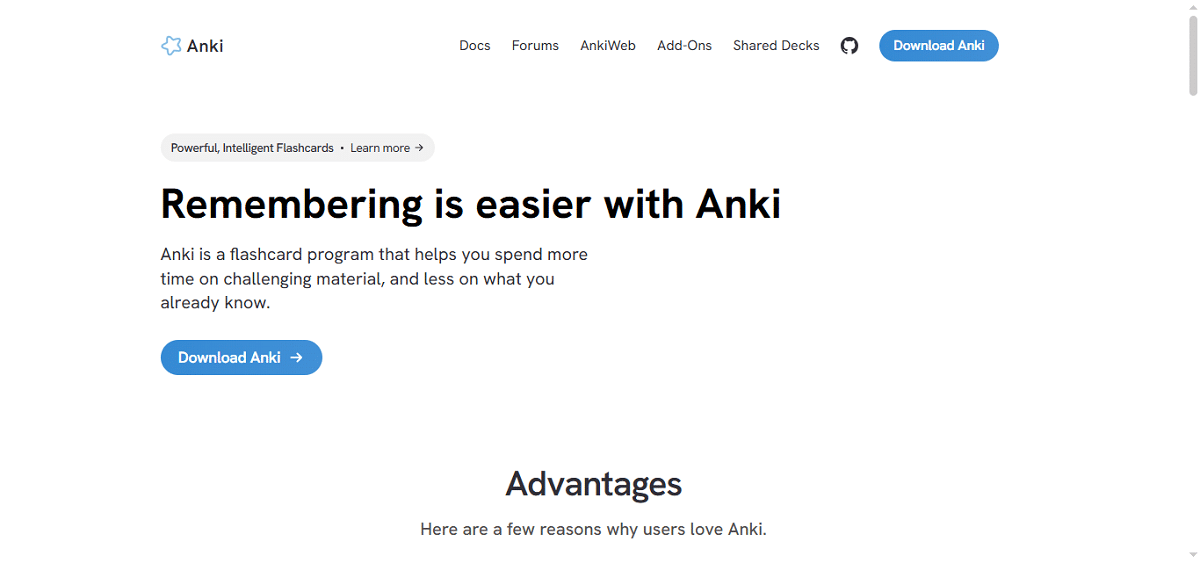
Anki is the standard for anything memory-heavy: anatomy, vocabulary, law, formulas. It uses spaced repetition (a method that shows you a flashcard right before you’re likely to forget it). The desktop and Android versions are free. The iPhone app is a one-time purchase of about $25.
Its interface looks like it’s from another decade, and building cards takes effort up front. That’s worth it before a memorization-heavy exam and overkill for a course that’s mostly essays. If you’d rather borrow ready-made decks than build your own, Quizlet has a large library of study sets made by other students, though its premium features are paid.
Most of us don’t have a time-management problem. We have a phone problem.
Forest turns focus into a tiny game. You plant a virtual tree, and if you leave the app, it dies. It’s free on Android (with ads) and paid on iOS. Cold Turkey is the heavy option for your computer: it blocks sites on a timer and is deliberately hard to switch off. A free version handles basic website blocking.
If you’re always exhausted and behind, a blocker is a bandage, not a cure. Talk to an advisor or counselor about the bigger picture.
If you write papers with more than a few sources, yes. Zotero is free, saves sources from your browser in one click and builds your bibliography. The free plan gives you 300 MB of online storage for attached files, which a thesis can fill. Files kept in the desktop app aren’t capped, and extra online storage starts at $20 a year for 2 GB. For one short essay, skip it.
Pick the row that sounds like you, and run it for two weeks before adding anything.
| If you are… | Use this stack |
|---|---|
| High schooler, one phone, little time | Google Calendar + MyStudyLife or Todoist |
| College student on a laptop | Google Calendar + Notion or OneNote + one task app |
| iPad handwriter | Goodnotes or Notability + Google Calendar + Anki for memorization |
| Working student | Todoist (one list for school and work) + Google Calendar |
| Research or thesis-heavy | Notion or OneNote + Zotero + one task app |
| On a school Chromebook | Google Calendar + Notion + Todoist (all work in a browser) |
Skip the template browsing. Do this instead:
That’s the whole system. Everything else is optional.
Almost nothing, to start. Every category above has a solid free option, and student pricing varies a lot. Notion’s Plus plan is free for eligible college students, while Todoist says it has no separate student discount. Check before assuming either way. Pay only when a limit is actively costing you time, such as a task cap or Zotero’s online storage.
An app can remind you to study. It can’t make you sit down. The students who get value out of these tools pick a simple setup, use it daily and ignore the rest.
So choose one app from the table above, set it up tonight, and put your next three deadlines in it. Then go to bed. That alone beats the system most students run all semester.