Physical Address
304 North Cardinal St.
Dorchester Center, MA 02124
Physical Address
304 North Cardinal St.
Dorchester Center, MA 02124

Last updated: November 1, 2026.
Choosing accounting software can feel like picking a gym membership: plenty of promises, a ladder of tiers, and a nagging suspicion you’ll pay for features you never touch. So which one deserves your money? The answer turns on a few questions about your business, and those questions narrow the field fast.
The short answer: QuickBooks Online is the safest all-around choice because most accountants already know it. Xero wins on unlimited users, Zoho Books on its free plan, FreshBooks for anyone who bills clients by the hour, and Wave or ZipBooks for the tightest budgets. The full list is below.
We started with the programs that show up again and again in published small-business reviews, then compared each one’s current pricing page, plan limits, support options, integrations and free-plan restrictions. Cost, ease of use, room to grow and how much help you can get when something breaks carried the most weight. We left out tools built mainly for payroll, expense reports or mid-sized companies.
Best for: working with an accountant
QuickBooks is the name most small business owners hear first, and that familiarity is its real superpower. Your accountant almost certainly knows it already, which means fewer billable hours spent explaining your own books to the person filing your taxes. It covers invoicing, bill management, reporting, a capable mobile app and more than 750 app integrations. Even the cheapest paid plan, Simple Start, includes over 50 reports.
Pricing: Simple Start is $38 a month (1 user), Essentials is $85 (3 users), Plus is $140 (5 users) and Advanced is $340 (25 users). Intuit raised the Essentials, Plus and Advanced prices on August 1, 2026, while Simple Start stayed put. Intuit also sells a lower-priced entry plan (around $20 a month) and a limited free plan aimed at one-person businesses. New customers usually get 50% off for the first three months.
The catch: frequent price increases, a habit of upselling you to higher tiers, and tight user limits on every plan. Skip it if you have a big team on a small budget.
Best for: teams, and anyone who wants a simple layout
Xero is the one to look at if you have a team, or plan to. Every plan allows unlimited users, so adding a business partner, a part-time bookkeeper and your accountant won’t nudge the bill upward. The dashboard is customizable, it connects to more than 1,000 third-party apps, and it captures bills and receipts automatically through Hubdoc, Xero’s receipt-scanning tool.
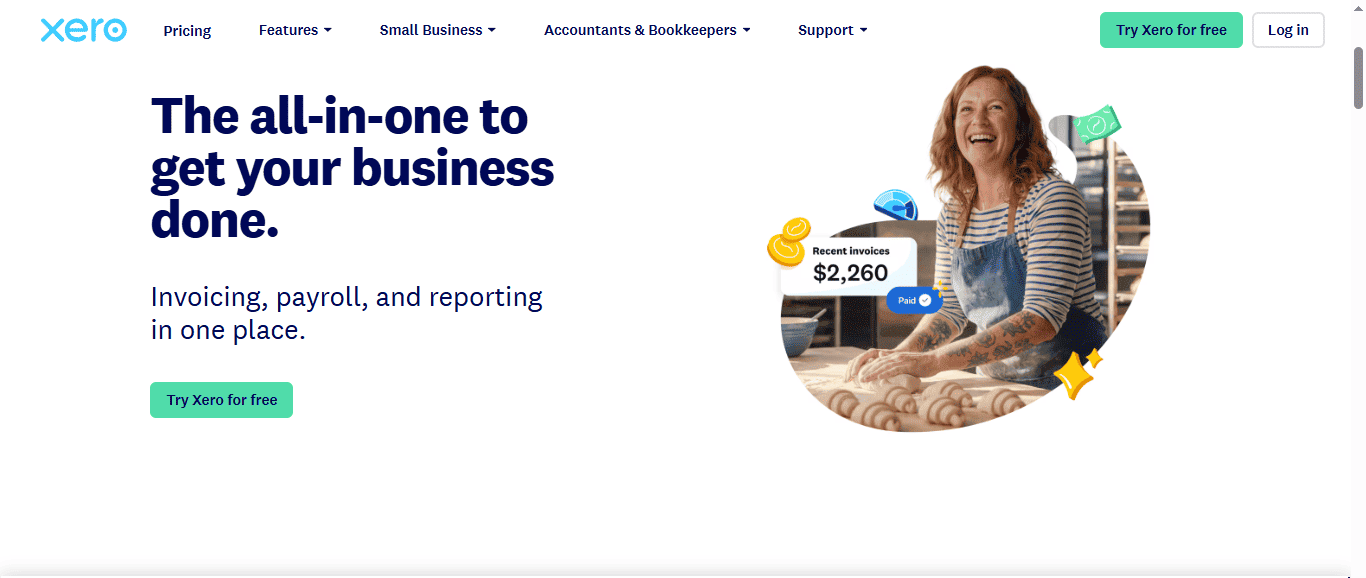
Pricing: After the October 1, 2026 increase, Early is $27 a month, Growing is $59 and Established is $97. Promotional first-months pricing comes and goes, so check the current offer before you sign up.
The catch: the Early plan caps you at 20 invoices and 5 bills a month, expense claims require the top Established plan, and there’s no inbound phone support (callbacks are available). Skip it if you need to talk to a human by phone the moment something breaks.
Best for: a free plan that doesn’t feel like a trial
Zoho Books is free for businesses with under $50,000 in annual revenue, and the free tier is surprisingly roomy: one user plus one accountant, up to 1,000 invoices a year, a customer portal, automatic payment reminders, mileage tracking and scheduled reports. None of its plans limit how many clients you can bill. It plays nicely if you already live inside other Zoho apps, and there’s even an Apple Watch app for tracking time.
Pricing: $0 for the free plan, then paid tiers from $20 to $275 a month as your needs grow.
The catch: automatic bank feeds [transactions flowing in directly from your bank] start on the paid Standard plan, so the free tier means typing in or uploading transactions by hand. There are also fewer third-party integrations than QuickBooks or Xero, and no plan includes more than 15 users.
Best for: freelancers and service businesses that bill by the hour
If your product is your time, FreshBooks was built for you. Invoices are quick to create, every plan includes unlimited time tracking, and clients can pay by card or bank transfer. Weekday phone support comes with all plans, which is a small luxury in this category.
Pricing: Lite is $23 a month (up to 5 billable clients), Plus is $43 (up to 50 clients), Premium is $70 (unlimited clients), and Select is custom-priced. Extra team members cost $11 a month each on the three standard plans.
The catch: Lite skips double-entry accounting reports [reports built on the method where every transaction is recorded twice, as a debit and a credit, so the books always balance], bank reconciliation [matching your records against your bank statement] and accountant access. Those arrive with higher tiers.
Best for: very small businesses and side hustles
Wave built its reputation on being free, and the Starter plan still covers unlimited invoices, bills, estimates and basic bookkeeping, plus a mobile app. But the old “100% free” line is out of date. Wave reshuffled its plans this year, and automatic bank import, receipt capture and extra logins (including for your accountant) now belong to the paid Pro plan.
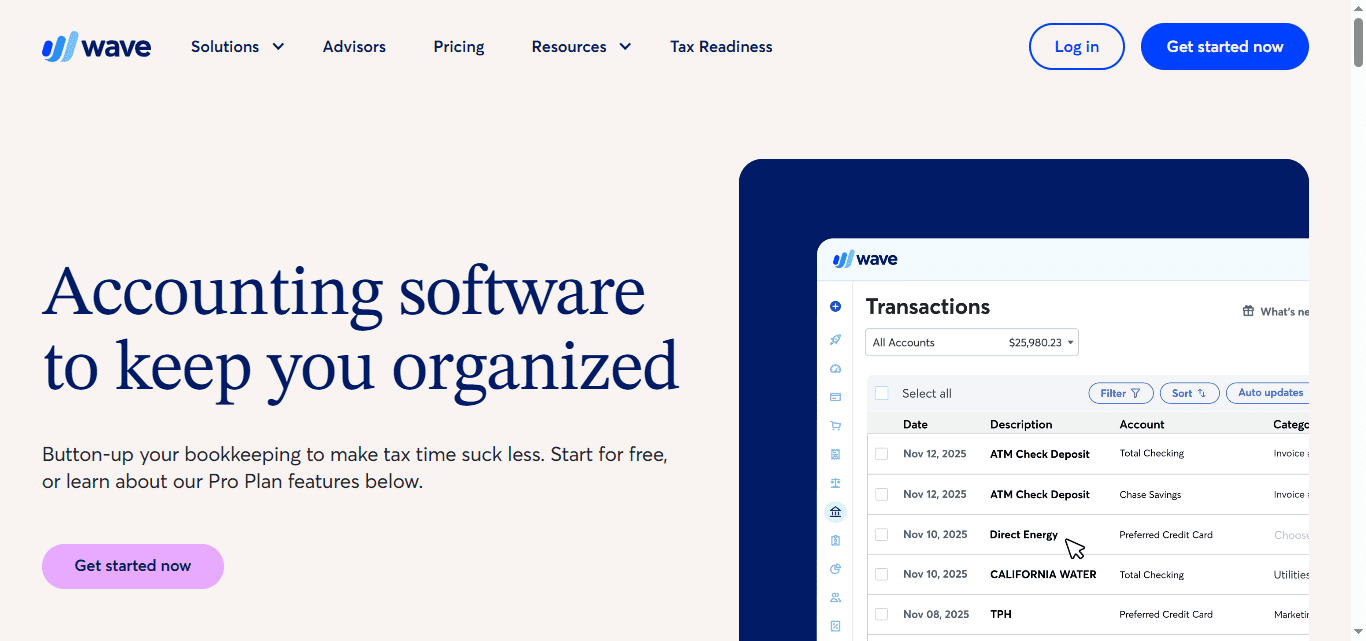
Pricing: Starter is $0. Pro is $19 a month or $190 a year. Card payments on the free plan cost 2.9% plus $0.60 each.
The catch: no audit trail [a log of who changed what and when], no mileage tracking, and human support only on paid services. It’s a fine home for a handful of transactions a day, and a poor one for a business that’s about to grow.
Best for: invoice-heavy businesses with light bookkeeping needs
ZipBooks has a simple pitch: send invoices, get paid, keep the books tidy. Its free Starter plan includes unlimited invoices, unlimited customers and vendors, online payments through Square or PayPal, and one connected bank account, which is more than most free plans offer. Reviewers describe it as approachable rather than powerful.
Pricing: Starter is free, Smarter is $15 a month and Sophisticated is $35 a month.
The catch: the free plan limits you to basic reports, integrations are thin, and the deeper accounting controls sit on the paid tiers. Think of it as a good starter kit, not a long-term home for a growing company.
Best for: inventory-heavy and job-costing businesses
Sage 50 is the grown-up in the room. It’s a desktop-based program with cloud backup and remote access, and every plan includes advanced inventory tracking and job costing, which is why construction and manufacturing owners tend to like it. Phone and chat support come with every plan, along with a dedicated account representative.
Pricing: Plans start at $69 a month, with higher tiers around $114 and $198.
The catch: the lowest tier has no audit trail, and every additional user pushes the monthly cost up. Skip it if you run a service business with no inventory.
Best for: free desktop accounting you can keep forever
Manager is the rare program where the free version is a real product. The Desktop edition runs on your own computer, handles double-entry accounting, invoicing, inventory and multiple currencies, with no usage limits and no trial clock. Your data stays on your machine, which some owners prefer.
Pricing: The Desktop edition is free. A paid Cloud edition adds remote access, multiple users and automatic backups, with current pricing listed on Manager’s website.
The catch: the free edition is a single-user, local app, so there’s no easy access from your phone or from your accountant’s laptop. Remote access and cloud backups require the paid Cloud edition.
Best for: bookkeeping-savvy owners who want free, open-source software
GnuCash has been around since the late 1990s, and it shows, in both the good and bad senses. It’s free, open-source and built on proper double-entry accounting, which makes it a favorite with people who already understand bookkeeping. Beginners tend to find it intimidating.
Pricing: free.
The catch: the interface looks dated, there’s no cloud or mobile version, and user reviews are mixed. Skip it if you want hand-holding or modern invoicing tools.
Best for: businesses that have outgrown everything above
Most readers won’t need this one, but it earns a spot for the ones who do. Enterprise is Intuit’s heavyweight: advanced inventory with assemblies [products built from several parts] and custom pricing rules, more than 200 reports including industry-specific ones, and chat and phone support seven days a week.
Pricing: Annual plans start at $1,873 a year, with higher tiers around $2,210, $2,717 and $5,364. Adding users or cloud access costs extra.
The catch: the interface feels outdated, it connects to fewer payroll and point-of-sale tools directly, and the annual commitment is steep. If you’re just starting out, look at the first few picks instead.
Start with a question that sounds boring but saves real money: who else needs to touch these books? A solo freelancer and a ten-person shop with a part-time bookkeeper are shopping for different products, even if they type the same search into Google.
Do you work with an accountant? Ask them what they prefer before you buy anything. Most accountants are fluent in QuickBooks and many also support Xero, and being on the same platform makes tax season smoother. A good accountant will also help you set up your chart of accounts [the master list of categories your money gets sorted into], which is far easier to do right on day one than to fix later. Some programs charge extra for accountant access, so check that too.
How many people need a login? QuickBooks and FreshBooks limit or charge for users, while Xero and Manager Cloud don’t. If your team is more than a couple of people, this one detail can swing the annual cost.
Do you need to track inventory or bill by project? Inventory tracking usually sits on higher-priced tiers, and project profitability tools often do too. Don’t pay for them if you sell a service.
Does it connect to the tools you already use? Look for integrations with your payment processor, payroll provider and point-of-sale system. When your apps talk to each other automatically, you type less, and what you don’t type can’t be mistyped. Automatic bank imports [software pulling your transactions straight from your bank so you don’t enter them by hand] are the integration to prioritize.
Can it grow with you? Switching accounting software mid-growth is a headache. It’s better to pick a program with a clear upgrade path than to outgrow your first choice in a year.
Sometimes, yes. If you’re a freelancer or run a side business with a few sales a week, a free plan can handle invoicing, expense tracking and the basic reports your tax preparer asks for. Zoho Books, Wave, ZipBooks, Manager and GnuCash are the free options above, and they take very different approaches: cloud versus desktop, polished versus bare-bones.
The trouble comes with growth. Free plans tend to hold back the features that save the most time (automatic bank feeds, accountant access, extra users), and those are exactly the features you’ll want when your transaction count climbs. Think of free as a good first apartment, not a forever home.
Because accounting software has a lot of fine print. Here’s where the surprises hide:
A few ways to keep the bill down: pay annually if you’re sure you’ll stay, limit logins to the people who truly need them, and check that the integrations you need are built in rather than sold separately.
Software does the arithmetic. It doesn’t do the judgment. Deciding how an expense should be categorized, and how that category plays out at tax time, still takes someone who knows the rules. That’s why many owners use software for the daily record-keeping and hand the review to a professional.
If you’re not sure which professional you need, our guide to the difference between an accountant and a bookkeeper breaks it down, and what a bookkeeper actually does is a good next read.
It can be, which is the best argument for choosing carefully the first time. Moving your records means exporting your history, re-linking bank accounts and double-checking that your balances still match. The usual advice is to switch at the start of a new fiscal year or tax year, when the books are clean.
Pick the cheapest plan that covers what you need today, not what you might need in some glorious future. Every program above lets you upgrade, and none of them will judge you for starting small.
Then take a free trial for a spin with real transactions, not just the demo data. If you’re still choosing how your business will be set up for tax purposes, it’s worth reading up on S corp vs. LLC, since your accountant will ask. And if you’re still shaping the business itself, our list of small business ideas might spark something.
Your future self, staring down tax season with tidy books and a calm expression, will thank you.